

Claim rewards
Use this guide to claim your FTSO delegation rewards on Flare or Songbird.
Prerequisites
- You are connected to the correct network (Flare or Songbird).
- You have delegated your wrapped tokens to an FTSO provider and rewards have accumulated.
- You have some native tokens available for network fees.
1
Open the Claim tool
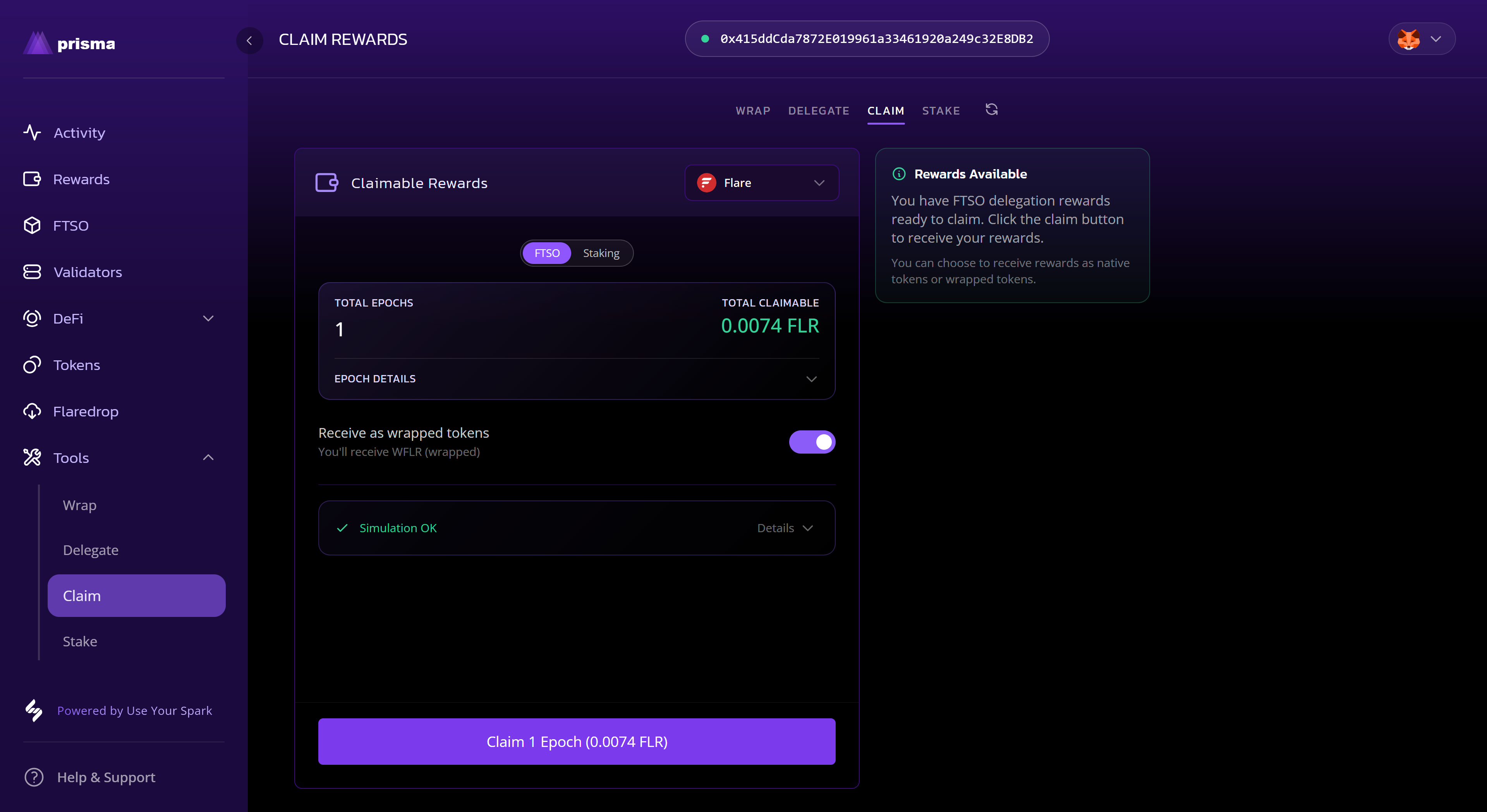
- Navigate to the Tools page and select the Claim tab.
- The tool will show your claimable rewards broken down by source (FTSO and Staking).
2
Choose how to receive rewards
- Toggle Receive as wrapped tokens on if you want to receive
WFLR/WSGBdirectly. - Leave it off to receive native
FLR/SGB.
3
Claim
- Select the Claim button. The button label shows the total claimable amount.
- Check and sign the transaction in your wallet.
4
Confirm it updated
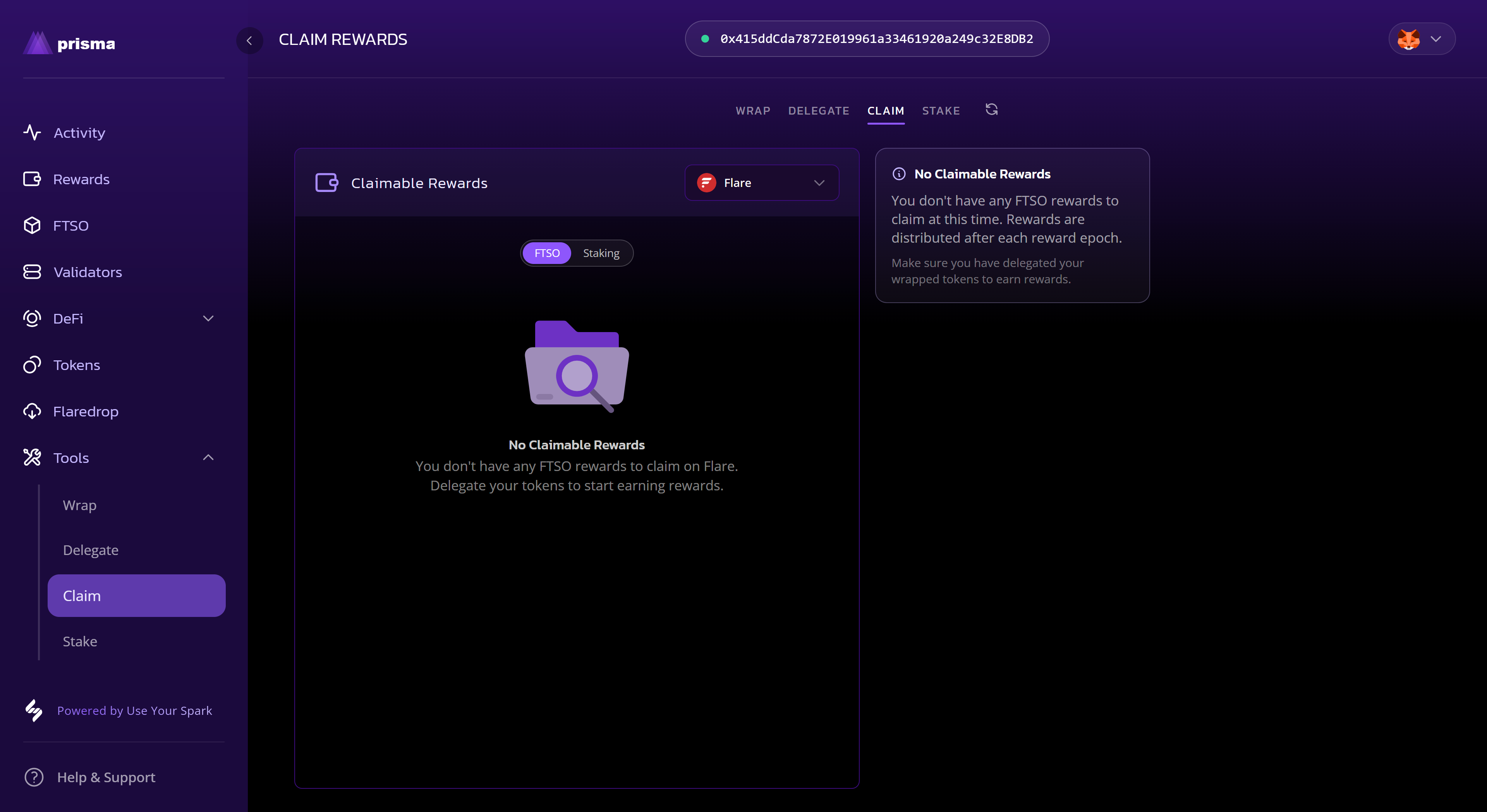
- Once the transaction confirms, your should see the No Claimable Rewards message.
What to expect
- After a few minutes, you should see your claimed rewards showing in the Reward page.
- You can check you address on-chain to see the rewards have been distributed.